 Google Chrome and compatible Chromium browsers
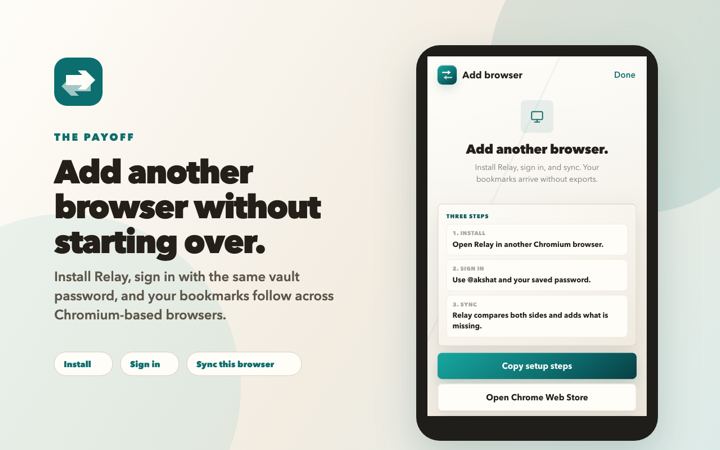
Install the public build from the Chrome Web Store, pin Relay to the toolbar, then open it to create or join your vault.
Chrome is available now. Microsoft Edge has its own verified package in Partner Center setup, and Firefox Desktop is awaiting Mozilla review.
Google Chrome and compatible Chromium browsers
Install the public build from the Chrome Web Store, pin Relay to the toolbar, then open it to create or join your vault.
 Microsoft Edge Desktop
Relay’s separate Edge package has passed packaged-extension QA. Partner Center enrollment and store-identity security checks must finish before the listing opens.
Edge listing in preparation
 Firefox Desktop 142+
The full native-bookmark client is ready, with password and Recovery Kit sign-in. Passkeys and recovery-link handoff are deliberately unavailable in the first Firefox release.
Awaiting Mozilla review
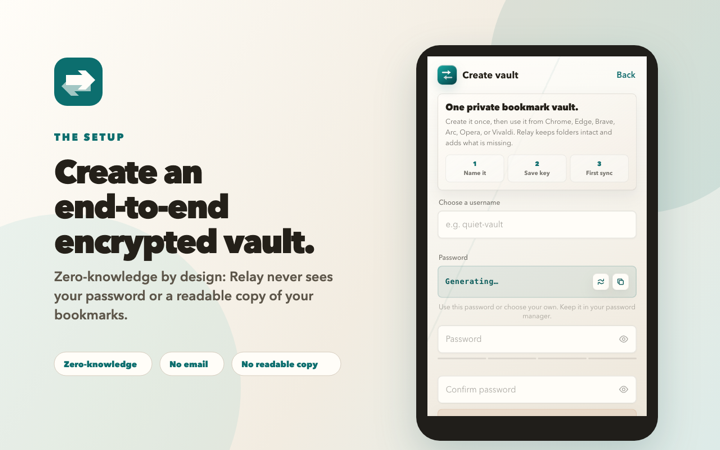
Choose a username and vault password, then save the private Recovery Kit in a trusted app or location. Relay encrypts bookmark contents before anything reaches the server.
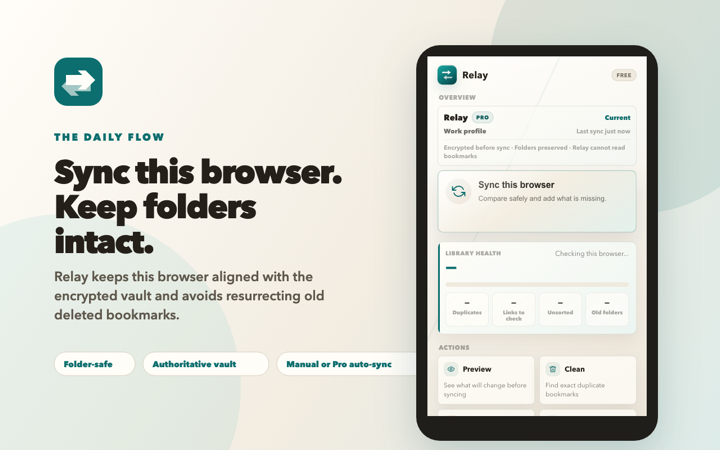
Use Preview to see whether this browser is missing bookmarks from the encrypted vault before applying changes.
Recognize common tracking and mobile URL copies, organize loose bookmarks into local categories, and create an Undo point first.
Compatible Chromium 122+ browsers can add a passkey after setup. Firefox uses the password saved in your Recovery Kit in its first release.
Create named profiles for work, personal, research, or clients. Freeze reusable Context Capsules without changing the active profile.
Share, copy, or download the Recovery Kit using an app or location you trust. Relay support will never ask for it.
Relay is built for Chrome, Microsoft Edge, Brave, Arc, Opera, and other Chromium-based browsers that support the extension APIs Relay needs.
Firefox 142+ uses the same encrypted vault and native bookmark sync. Public installation begins only after Mozilla review and signing.
Your username is both the account identity and sharing handle. The password saved in your Recovery Kit works across supported clients; compatible Chromium browsers can add an optional passkey.
The Chrome Web Store is live now. Microsoft Edge Add-ons and Firefox Add-ons become their browser-specific paths only after each store finishes review.
If install fails, include your browser name, version, Relay version if visible, and the exact store or extension error.